Screenshots & videos
speak for themselves.
screenflow wraps your screenshots in beautiful device mockups and exports cinematic video animations in five styles — zoom, pan, and more. One command, pixel-perfect results.
$ brew install marvinhuelsmann/screenflow/screenflow$ brew install marvinhuelsmann/screenflow/screenflow
=> Tapping marvinhuelsmann/screenflow
=> Installing screenflow
✓ screenflow installed!
$ screenflow screenshot.png -d iphone-17-pro -c cosmic-orange
✦ Loading iPhone 17 Pro · Cosmic Orange...
✦ Compositing screenshot...
✓ Saved → screenshot-mockup.svg
$ screenflow video screenshot.png --style zoom-in
✦ Rendering zoom-in · 3D tilt...
✦ Encoding video animation...
✓ Saved → screenshot-mockup.mp4
$
See it in action
One screenshot. Two outputs.
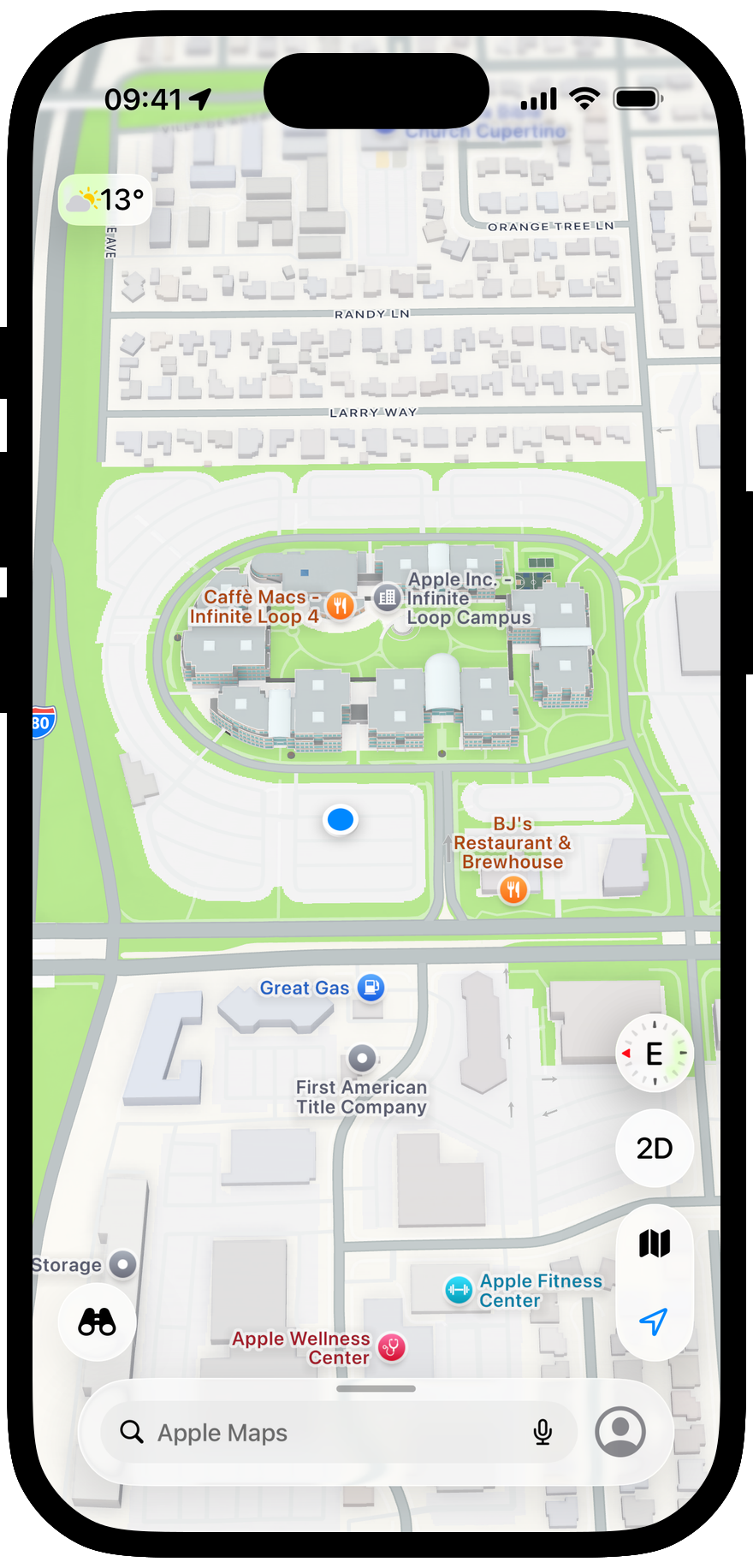
A pixel-perfect device mockup and a cinematic video animation — both from a single command.
Features
Drop a screenshot in. Get a mockup out.
screenflow is designed to stay out of your way. Point it at a screenshot and it handles the rest.
One-command install
Brew tap and install in seconds. No config files, no GUI setup. One command and you're ready to create stunning mockups.
Device mockups
Wrap any screenshot in a polished device frame — Mac, iPhone, iPad and more. Perfect for App Store previews, docs, and social posts.
Pure CLI
No GUI needed. Drop it into any build script, CI pipeline, or Makefile — screenflow fits exactly how developers work.
Open Source
MIT licensed and community-driven. Read the source, submit a PR, or fork it. Built in the open, for everyone.
Video animations
NewRun screenflow video <file> to render a cinematic animation of your mockup. Choose from five styles — zoom-in, zoom-out, pan-down, pan-left, pan-right. Fine-tune with --fps and --tilt. Powered by ffmpeg.
screenflow video shot.pngVideo styles
Five ways to animate your mockup.
Pick the motion that fits your story. Fine-tune the output with --fps and --tilt.
Style
zoom-in
Zooms smoothly from 1× to 2.2× with a subtle upward pan. The classic product reveal — your mockup grows to fill the frame.
$ screenflow video screenshot.png --style zoom-in--fpscustom frame rate--tilt3D perspective angle--styleanimation styleApp Store Connect
NewApp Store screenshots, done in seconds.
Drop in a screenshot, add a caption, pick a color — screenflow outputs a pixel-perfect 1242 × 2688 image, exactly the size App Store Connect wants.
$ screenflow appstore home.png \
--caption "Find your way.\nAnywhere, anytime." \
--bg "#0A84FF" \
--align center
$
Upload-ready size
Exact 6.5″ App Store Connect dimensions — every time.
Headlines that fit
SF Pro Display captions with auto-contrast, alignment control, and line breaks.
Your brand, your color
Any solid background via a single hex value.
Every device
iPhone, iPad, iMac & Apple Watch frames, pixel-perfect.
--captionheadline text--bghex background color--alignleft · center · right--coloroverride text colorQuick Start
Up and running in under a minute.
Install once, then pick your workflow — static mockup, animated video, or wrap an existing recording.
$ brew install marvinhuelsmann/screenflow/screenflowSave your preferred device and color once. screenflow reads them automatically — no need to repeat -d and -c every time.
$ screenflow set-default -d iphone-17-pro -c cosmic-orange
✓ Defaults saved
device : iphone-17-pro
color : cosmic-orange
$
How it works
Three steps. That's it.
Step 1
Install via Homebrew
One brew command — tap, install, done. No config files, no manual setup.
Step 2
Pick device & color
Pass --device and --color to choose your frame. Mix and match to match your brand.
Step 3
Get your mockup
The output lands next to your input — ready for App Store, README, or social posts.
Ready to get started?
Install screenflow in seconds and turn any screenshot into a polished device mockup with a single command.
$ brew install marvinhuelsmann/screenflow/screenflowOpen Source
Help make screenflow even better.
screenflow is open source and welcomes contributions. Whether it's a new device, a color variant, or a bug fix — your PR is appreciated.
New device frame
Add iPad, Vision Pro, or another device
Color variant
Propose a new finish or gradient
Export format
Animated GIF, WebP, or additional video codecs
Bug fix
Something not working right for you?